


Phonics Museum - Learn to Read
3.519.00 Reviews
App Specs
- Version
- 0.0.104
- Updated On
- License
- Free
- Downloads
- 10,000+
- Developer
- Veritas Press
- Categories
- Educational
- Platform
- Android
Screenshots
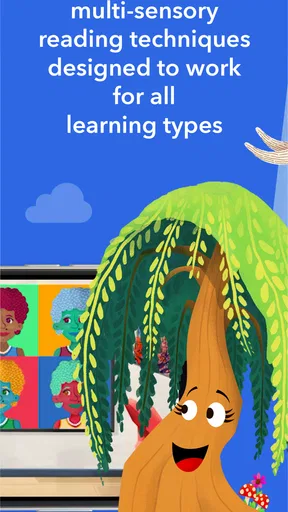
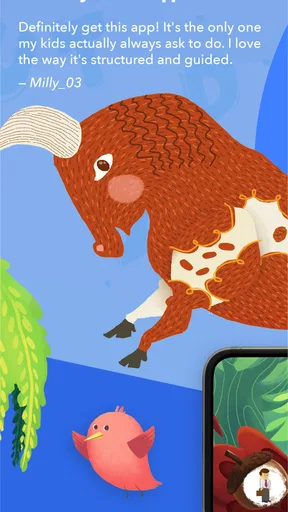
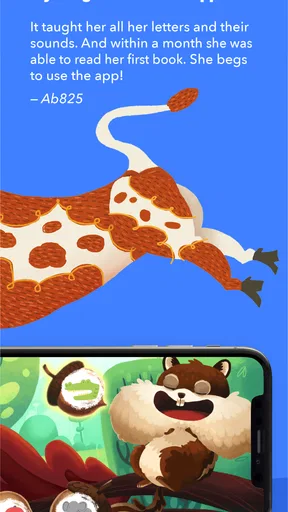
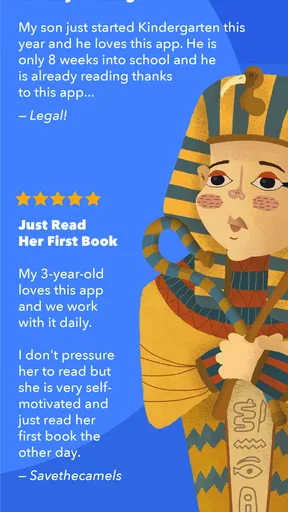
 Analysis by AppCompare
I found Phonics Museum - Learn to Read most useful when I treated it as a short, guided reading activity rather than a game meant to occupy a child for a long stretch. Its purpose is clear: it helps children practise phonics and early reading through interactive play. The educational category fits it well, but the experience works best when an adult is nearby to turn a quick activity into a useful learning moment.
The first thing I noticed is that the app asks the child to do something immediately. Instead of beginning with a long explanation, it places the learner in a world built around letters, sounds, and recognition. That matters for young children, because the gap between opening an app and making the first response can decide whether they stay interested. Here, the central action is simple enough for an early reader to understand, while still giving a parent something concrete to observe.
How the learning loop feels in everyday use
I find the learning loop most useful when I treat each prompt as a chance to listen and think, not just tap and move on. In the next section, I’ll look at why a child may need a little adult help at the start, and how a simple spoken question can make the activity more meaningful without turning it into a formal lesson.
The first action is simple, but adult guidance still helps
In my experience, the best way to introduce this game is to sit with the child for the first few sessions. I would let the child try the prompt before answering, then ask a small follow-up question such as, “What sound did you hear?” or “Can you find another word that starts that way?” That turns the screen interaction into spoken practice instead of making the child depend only on tapping the right answer.
This is particularly useful for children who are beginning to connect letter shapes with sounds. A child may recognise a symbol visually without understanding why it matters in a word. The app can start the exercise, but a parent or teacher can slow down the moment and make the connection clearer. I would not use it as a replacement for reading aloud, handwriting, or conversation. I would use it as one focused part of a broader routine.
The game comes from Veritas Press, and its educational identity is more apparent than the kind of open-ended entertainment found in a general children’s game. That makes it a better match for families who want screen time to have a clear learning purpose. It is less suitable for someone looking for a free-form creative playground or a conventional arcade-style reward system.
Feedback keeps the child moving forward
The important rhythm is action followed by feedback. The child makes a choice, sees what happened, and then has a reason to continue. That rhythm is more valuable than simply presenting a list of phonics exercises, because early learners often need an immediate response to understand whether they are on the right track.
Worth Reading Before You Choose

Flipboard Shows What News Apps Must Do Beyond the Feed

Switching to Android Auto Means Rethinking Your Driving Routine

Google Calendar Makes a Crowded Week Easier to Manage

Ludo King Makes the Most of the Minutes Between Plans

Baby Panda World Brings Quick Play to Modern Phones, but Its Game Library Feels Busy

ESPN’s Live Game View Makes Following Close Games Easier
I found that the feedback works best when the child is already close to understanding the task. If the instruction is unfamiliar, a wrong answer can become a guessing exercise rather than a reading exercise. This is why I would avoid handing the device over and walking away during the first attempts. A quick explanation from an adult can prevent random tapping and help the child focus on the sound or letter being practised.
There is also a useful distinction between recognising an answer and remembering it. A child might succeed because the visual presentation feels familiar, then struggle when the same sound appears in a different context. To get more value, I would occasionally pause after a successful response and ask the child to say the sound without looking, or to name a word that uses it. That small habit exposes whether the activity is building understanding rather than just short-term recognition.
For a busy household, this makes the app practical in short windows. A parent could use it before school, after a snack, or while waiting for an appointment, then continue the same sound practice away from the screen. The app supplies the prompt and response; the adult supplies the transfer to real reading.
Rewards are most useful when they lead to another attempt
The reward side of the loop is not only about praise. A successful action gives the child a sense of completion and encourages another try. That is important in phonics, where repetition is necessary but can quickly feel dull if every exercise looks like a worksheet.
I would watch for the difference between motivation and distraction. If a child is excited by the surrounding presentation but stops listening to the sounds, the reward has become more important than the lesson. In that situation, I would keep the session short and ask the child to explain what was learned before starting again. This keeps the game’s playful energy connected to the educational goal.
One practical approach is to set a small objective before opening the app. For example, I might say that we are going to listen carefully for one particular sound, then stop after the child has made a few thoughtful attempts. This avoids turning the activity into an endurance test. It also gives the child a clear sense of success that is based on attention and effort, not simply on staying in the app longer.
Because the game is free to download but includes in-app purchases ranging from $1.99 to $99.99 per item, I would review the available content and purchase prompts with an adult account before letting a child use it independently. That price range is wide enough that families should make their own boundaries clear. The free entry point makes trying it easier, but “free” should not be treated as the entire cost picture if additional material becomes part of your planned routine.
Resetting the session prevents phonics from becoming background noise
The reset is where I think parents can make the biggest difference. After a child finishes an activity, I would not automatically begin another one. I would ask the child to repeat the sound, identify a letter, or find an example in a book nearby. Then I would decide whether another round would reinforce the lesson or simply add more tapping.
This reset-and-return pattern is especially helpful for younger children with limited attention. A short pause gives the brain time to process the sound, while a later session provides spaced repetition without making the child sit through an exhausting lesson. In practical terms, I would rather use the app for several brief visits across the week than push through a long session in one afternoon.
The same idea helps when a child gets an answer wrong. Instead of immediately repeating the identical task, I would reset the mood first: say the sound together, point to the relevant letter, and then invite another attempt. That keeps mistakes from feeling like failure. It also discourages guessing, because the child learns that the goal is to listen and think before tapping.
Families should also remember that the game is only one environment. A child who performs well inside the app may still need help with printed words, pencil control, blending, and reading aloud. If those skills are the priority, I would pair the game with physical books and direct instruction. A different option may be better when you need a complete reading curriculum, detailed progress reporting, or a teacher-led sequence rather than an interactive practice tool.
What makes it different from ordinary early-reading alternatives
Compared with paper flashcards, this game offers a more immediate action-and-response cycle. A card can be excellent for deliberate review, but it does not automatically create the same sense of movement after each answer. On the other hand, flashcards are easier to customise, require no device, and make it simpler for an adult to notice exactly how a child is reasoning.
Compared with a read-aloud video, the game asks the child to participate rather than only watch. That is a real advantage for active practice. A video may be better when a child needs a calm model of pronunciation or a story-based introduction, while this app is more useful when the child is ready to respond and make choices.
Compared with a full reading program, it appears more approachable for a quick practice session. The trade-off is that a focused game cannot replace the breadth of a structured curriculum. I would choose it for reinforcement, motivation, and repeated exposure, not as the only resource for teaching a child to read.
Who will get the most from it
I would recommend trying it for a child who is interested in letters, benefits from visual interaction, and can manage simple instructions with some support. It may also suit a family that wants an educational activity with a clear phonics focus instead of a general collection of mini-games.
It is less likely to satisfy older children who already read independently, because the core purpose is early literacy. I would also be cautious if a child becomes frustrated by repeated correction, struggles to hear speech clearly, or needs a highly personalised pace. In those cases, a parent, tutor, or specialist may need to adapt the lesson more closely than an app can.
The age rating is Everyone, which makes the content broadly suitable for a general audience, but that does not mean every child will be ready for the same level of phonics practice. Developmental readiness matters more than the label. I would judge it by whether the child can listen, respond, and remain engaged without turning the activity into random tapping.
Practical details before installing
The app is available as a free game, with an average rating of 3.5 from around 58 ratings and 19 written reviews. I would treat that rating as a signal to try it personally rather than as a final verdict. Early-learning apps can feel very different depending on a child’s age, reading stage, and tolerance for guided repetition.
It has passed the early availability stage since its release on December 7, 2020, and the current version is 0.0.104. It requires Android 7.0 or later. Those details are worth checking before planning the app for a particular family device, especially if the phone or tablet is older.
I would also test the opening experience myself before giving the device to a child. Check how easily the child can understand the first instruction, whether the sound is comfortable at the device’s normal volume, and whether purchase prompts could interrupt independent use. This small preparation makes the first session calmer and helps you decide whether the free portion is enough for your needs.
My verdict on the action, feedback, reward, and reset
The core loop works because it gives an early learner a clear sequence: do something, receive a response, feel progress, pause, and return for another attempt. That is a sensible structure for phonics practice. The strongest use is not endless play, but a short session followed by an offline question, a book, or a spoken example.
I like it as a companion for parents who want to make early reading practice less static. I would not present it as a complete solution, and I would not leave the child to discover every lesson without support. Its value grows when an adult uses the game’s prompts as starting points for real language.
Overall, I think Phonics Museum - Learn to Read is worth trying if your child is at the beginning of the reading journey and responds well to interactive repetition. The free starting point lowers the barrier to testing it, while the in-app purchase range makes it important to decide in advance what content and spending limits fit your household. For short, purposeful practice, it has a useful place; for comprehensive instruction, pair it with books, conversation, and a more structured teaching plan.
Pros
- Interactive phonics lessons make early reading practice engaging.
- Includes handwriting activities alongside letter-sound instruction.
- Progressive curriculum suits children beginning their reading journey.
- Bright visuals and animations help maintain young learners’ attention.
- Works well for short
- structured practice sessions at home.
Cons
- Some content may feel repetitive for children who learn quickly.
- Full access may require a subscription or additional in-app purchases.
- The app is mainly designed for younger children
- limiting long-term use.
- Parents may need to guide children through certain activities.
- Device audio is important
- as many lessons rely on spoken instructions.
FAQs for Phonics Museum - Learn to Read
What is Phonics Museum - Learn to Read?
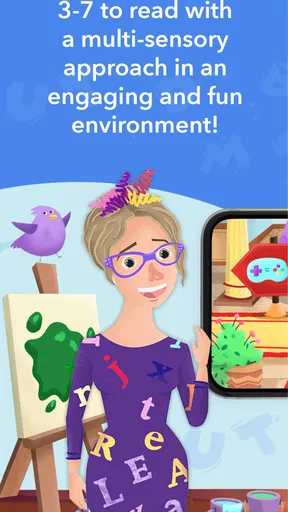
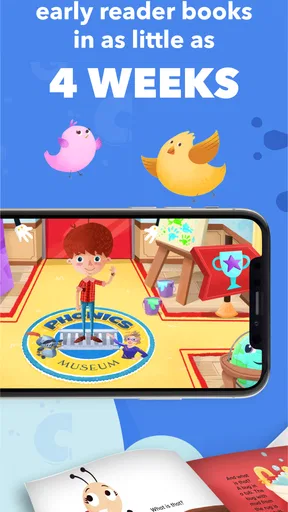
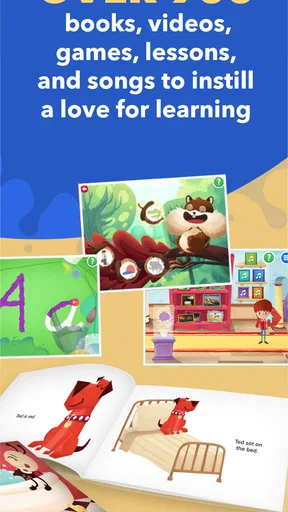
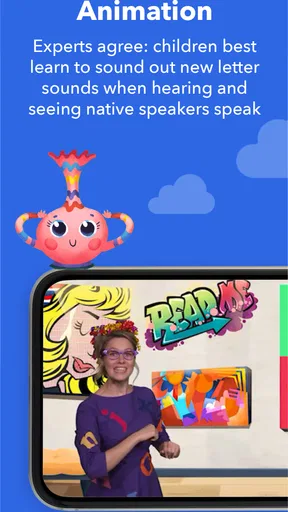
Phonics Museum - Learn to Read is an educational literacy app designed to help young children learn the sounds associated with letters and begin reading simple words. It combines phonics lessons with interactive activities, animations, songs, games, and visual content. The museum-style presentation makes practice feel more like exploration than a traditional lesson, which can help maintain a child’s attention during early reading sessions.
What age group is Phonics Museum - Learn to Read suitable for?
The app is primarily intended for preschool and early elementary children who are beginning to recognize letters, learn letter sounds, and blend sounds into words. It may also be useful for children who need additional phonics practice at home. Since children progress at different speeds, parents should review the lesson level and activities to decide whether the content matches their child’s reading ability and attention span.
Does Phonics Museum - Learn to Read work offline?
Some parts of Phonics Museum - Learn to Read may be available after the required content has been downloaded, but offline access can depend on the device, app version, and subscription or purchase status. It is best to open the app while connected to the internet before traveling or using it without Wi-Fi. Parents should also check whether updates, account verification, or additional lessons require an active connection.
Is Phonics Museum - Learn to Read free to download?
The app may be free to install, but access to all lessons, activities, or learning content can depend on in-app purchases, a subscription, or a separate purchase option. Pricing and available plans may vary between Android and iOS and can change over time. Before downloading, parents should review the store listing carefully, including trial terms, renewal details, and any restrictions on premium content.
Is Phonics Museum - Learn to Read safe and useful for children?
The app is designed as a child-focused learning tool, but parents should still review its privacy policy, account requirements, advertisements, and in-app purchase settings before allowing independent use. Its phonics-based activities can support early reading practice, especially when used consistently alongside books and adult guidance. It should complement, rather than replace, interaction with parents, teachers, and other structured literacy resources.


